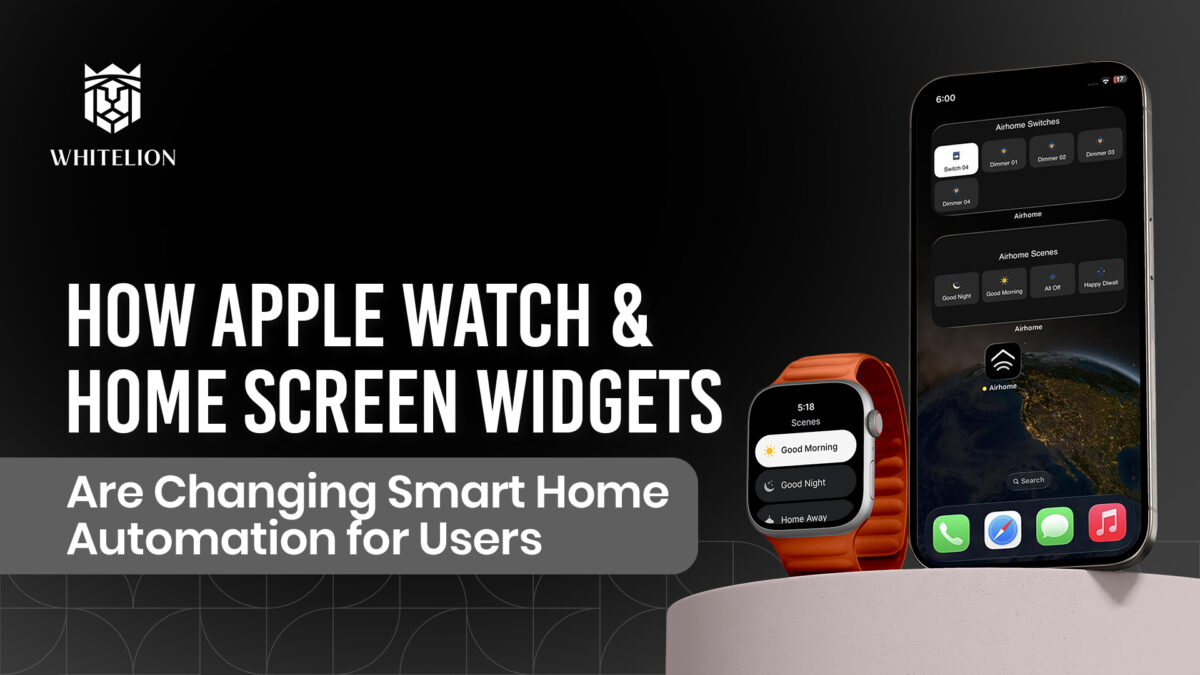

How Apple Watch & Home Screen Widgets Are Changing Smart Home Automation for Users
Smart home automation has evolved rapidly over the last few years. From traditional switches to touch panels, from mobile apps to voice assistants control has become smarter, faster, and more intuitive.
But the biggest shift isn’t happening on your walls. It’s happening on your wrist. And on your phone’s home screen.
Apple Watch control and Home Screen Widgets are quietly redefining how users interact with smart homes making automation faster, simpler, and more natural than ever before.
The Real Problem with “Smart” Homes
Let’s be honest.
Even in a fully automated home, most people still: unlock their phone → open the automation app → find the right scene → tap. That’s multiple steps. It doesn’t feel like much until you repeat it several times a day. Smart living isn’t just about having automation. It’s about reducing effort. This is where Apple Watch integration and Home Screen Widgets completely change the experience.
Control from Your Wrist: Why Apple Watch Matters
Think about how often your hands are busy.
You’re carrying groceries. Parking your car. Cooking in the kitchen. Already in bed.
In these moments, even opening your phone feels like extra effort.
With Apple Watch integration via the AirHome App, control becomes immediate.
Imagine this:
You’re parking your car in your apartment basement. Your hands are full. You raise your wrist and tap “Welcome Home.”
Lights turn on. Fans start running. Your space is ready before you step inside. No phone. No walking back. No delay. That’s not futuristic that’s practical. With Whitelion Home Automation, your home doesn’t stay fixed to wall panels. It extends to the devices you already wear.
Home Screen Widgets: The Most Underrated Power Feature
If Apple Watch brings speed, Home Screen Widgets bring simplicity. Widgets allow you to place your most-used controls directly on your phone’s home screen no need to open the full app. In daily life, that matters more than people realise.
Picture this: You’re leaving home in a rush. Shoes on. Keys in hand. Already late. Instead of opening an app, you tap the “All Off” widget. Everything shuts down instantly.
Or at night: You wake up and want dim lighting. One tap on your Night Mode widget. Soft lights turn on. No disruption. Widgets remove steps. And every removed step reduces friction.
Why This Matters Especially in Indian Homes
Indian homes are dynamic. Multiple family members. Elders who prefer simple control. Children who shouldn’t navigate complex apps. Helpers moving between rooms. Unpredictable routines. In such environments, accessibility is everything.
Widgets and Watch control make automation:
• Faster
• Easier
• More inclusive
• Less technical
When control becomes simple, usage increases. And when usage increases, automation truly adds value.
Not Just Convenience But Lifestyle Integration
Today’s connected users expect:
• Siri voice integration
• Control Centre shortcuts
• Widget automation
• Apple Watch compatibility
Smart homes are no longer isolated systems. They’re part of a broader digital ecosystem.
Through the AirHome App, Whitelion ensures your smart home connects seamlessly with your Apple devices creating a unified control experience across wall panels, mobile screens, and wearable technology. That’s where automation becomes lifestyle.
The Bigger Evolution of Smart Living
Home automation has moved through clear stages:
First, you walked to the switchboard. Then, you used a mobile app. Now, you tap your wrist or home screen. Every stage removes effort. And the future of smart homes isn’t about adding more features it’s about reducing steps.
Less thinking. Less tapping. Less managing. More living.
Final Thoughts
Apple Watch and Home Screen Widgets may seem like small additions to smart home automation. But in daily life, they create the biggest difference. Because the smartest homes are not the ones with the most technology. They’re the ones that feel the easiest to control. And when your home responds from your wrist or your home screen automation stops being a feature.
It becomes instinct.
