
Why Home Screen Widgets Are the Most Underrated Smart Home Feature
When people talk about smart home automation, they usually talk about voice commands, touch panels, or mobile apps. “Hey Siri, turn off the lights.” Sleek glass switches. Central control panels. Everything sounds advanced and impressive.
But there’s one feature that quietly makes everyday life easier and hardly anyone talks about it.
Home Screen Widgets.
They’re not flashy. They don’t look futuristic. But in real life, they might be the most practical smart home feature you’ll ever use.
Because smart living isn’t just about having technology. It’s about reducing effort.
And widgets do exactly that.
The Real Problem With Smart Homes
Let’s be honest about something.
Even in a smart home, most people still follow this routine: unlock phone → find the automation app → open it → wait → select the right scene.
It doesn’t feel like a lot. But when you repeat this five, ten, fifteen times a day, it becomes friction.
Smart automation should remove steps not add new ones.
That’s where Home Screen Widgets completely change the experience.
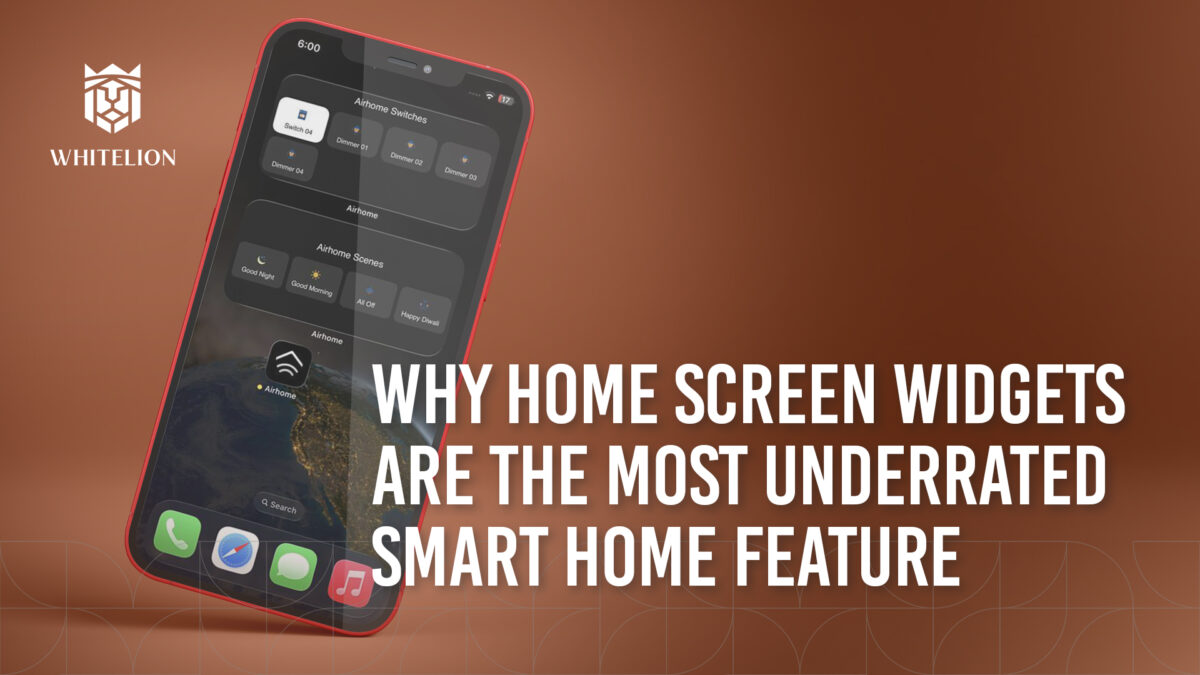
With Whitelion Home Automation through the AirHome App, your most-used controls can sit directly on your phone’s home screen. No searching. No opening apps. Just one tap.
And that one tap makes a bigger difference than you think.
A Real Morning in Your Home
Picture your weekday morning.
You’re getting ready for work. Your kids are packing their bags. Someone is calling from the door. You’re already running late. You lock the door, step out, and suddenly think, “Lights off kiya kya?” Instead of going back inside or opening multiple screens, you simply tap the “All Off” widget on your home screen. Lights off. Fans off. Done. No stress. No second guessing. That’s not dramatic automation. That’s practical relief.
Late Night, Half Asleep
Now imagine it’s 1:30 AM. You wake up briefly. Maybe you need dim lighting in the hallway. You don’t want to fully unlock your phone or navigate an app.
You tap the Night Light widget on your home screen. Soft light turns on. Just enough brightness. No disturbance. No harsh glare. You go back to sleep in seconds.
This is where widgets quietly shine in moments where effort feels heavier than usual.
Hands Busy, Mind Elsewhere
You’re in the kitchen cooking. Hands wet. Stove on. Doorbell rings.
The living room lights are still on. Instead of drying your hands and navigating an app, you tap the widget and switch to “Welcome Mode.”
Lights adjust instantly.
Or you’re carrying groceries from your car. You don’t want to fumble with your phone. A quick tap on your widget activates your entry scene before you even unlock the door.
Small actions. Big difference.
Why Widgets Matter More in Indian Homes
Indian homes are rarely predictable. There are elders who prefer simplicity. Kids who shouldn’t navigate complex interfaces. Helpers who come and go. Guests arriving unexpectedly. Power cuts disrupting routines.
In such dynamic environments, control must be simple.
Widgets reduce complexity. They remove learning curves. They make automation feel natural.
That’s why in many Indian homes equipped with Whitelion solutions, widgets become one of the most-used features sometimes even more than voice commands.
Because convenience always wins.
Less Effort Means More Usage
There’s something important to understand about automation.
If it feels complicated, people stop using it.
If it feels instant, it becomes a habit.
Home Screen Widgets turn smart home automation into muscle memory. You don’t think about it. You just tap.
And when automation becomes instinctive, that’s when it truly adds value.
Smart Living Is About Removing Steps
The evolution of home control has always been about reducing movement.
First, you had to walk to the switchboard.
Then, you could control things through a mobile app.
Now, you can control everything from your home screen without even opening that app.
Every step removed makes life smoother.
And smooth is what smart living should feel like.
Final Thought
The most powerful features in a smart home aren’t always the loudest ones.
Sometimes, it’s that small square on your home screen that saves you ten seconds here, fifteen seconds there until your entire day feels lighter.
If you’re using smart home automation but still navigating through multiple screens every time, you’re adding effort back into your life.
And smart living should never feel like extra work.
